
Access point installation for offices, warehouses and multi-tenant buildings.
We plan, cable, mount and configure business Wi-Fi from Toronto to Barrie. The same crew handles the survey, the cable to each access point, the switch that powers it and the settings that let phones and scanners move between access points without dropping. You get one price and one company to call.
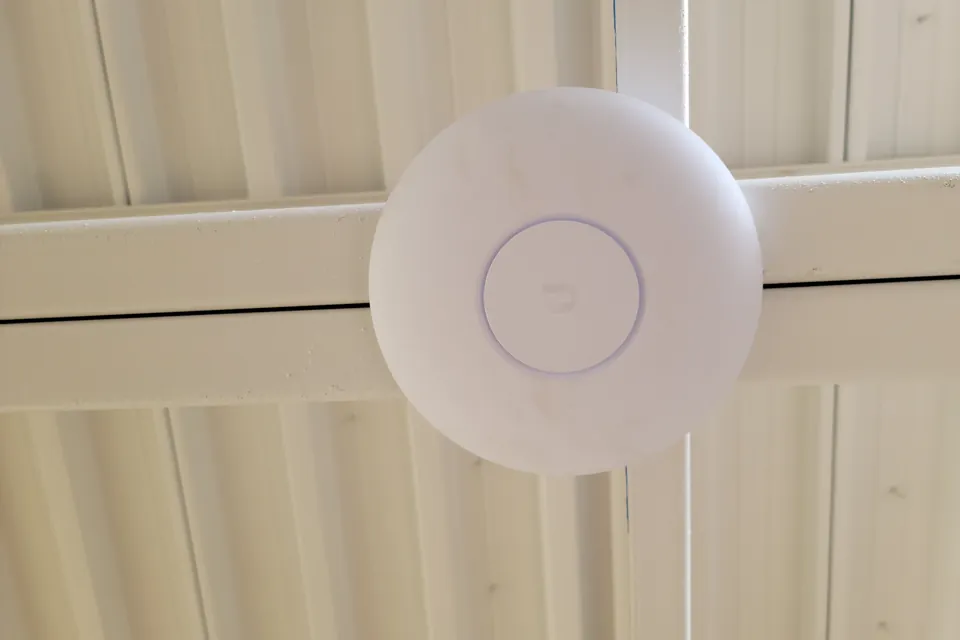
What we get called in for
A new office fit-out
The ceiling is open and the floor plan is final. This is the cheapest time to put cable where the access points should go, instead of where the last tenant had them. Mark the positions on your own plan first with our free network and Wi-Fi planner.
Dead zones and frozen calls
Teams calls that freeze on the walk to a meeting room, a back office with one bar, a boardroom that falls over when twenty laptops join at once. Usually fixable without replacing everything.
Warehouse and plant floors
Scanners that drop between aisles, forklift tablets that lose the WMS, and coverage that changed when the racks filled up. More on that below.
A Wi-Fi 7 upgrade
Replacing Wi-Fi 5 or early Wi-Fi 6 access points, and checking that your switches and cable can carry what the new ones need. What to check first
Moving or adding access points
A renovation, a new wing, a wall that went up where it was not on the plan. We move the drops, re-plan the coverage and update the controller.
Outdoors and between buildings
Patios, yards, loading areas and a second building across the lot, using outdoor access points or a point-to-point wireless link.
Why business Wi-Fi goes wrong
Most of the Wi-Fi we are asked to fix has plenty of signal. The trouble is in how it was put in.
- Too few access points at full power. A laptop sees a strong signal, but a phone or scanner cannot answer back at the same strength, so connections stall near the edges.
- Mesh units relaying over the air. Every wireless hop costs speed. An office with four mesh points can end up slower than one properly wired access point.
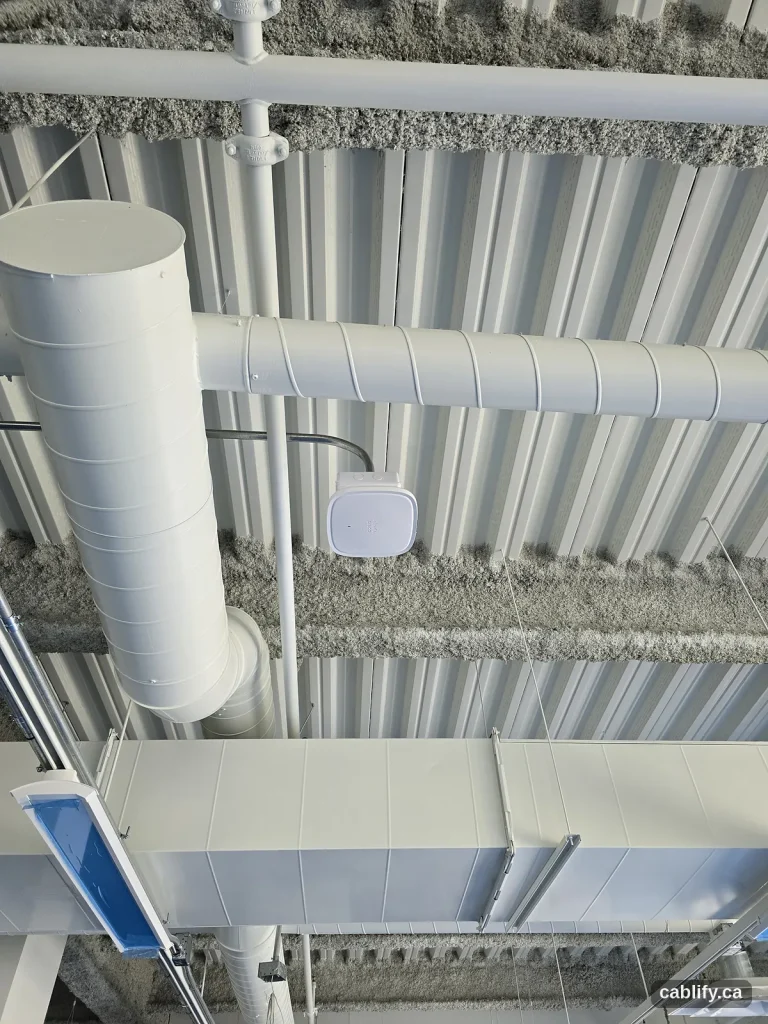
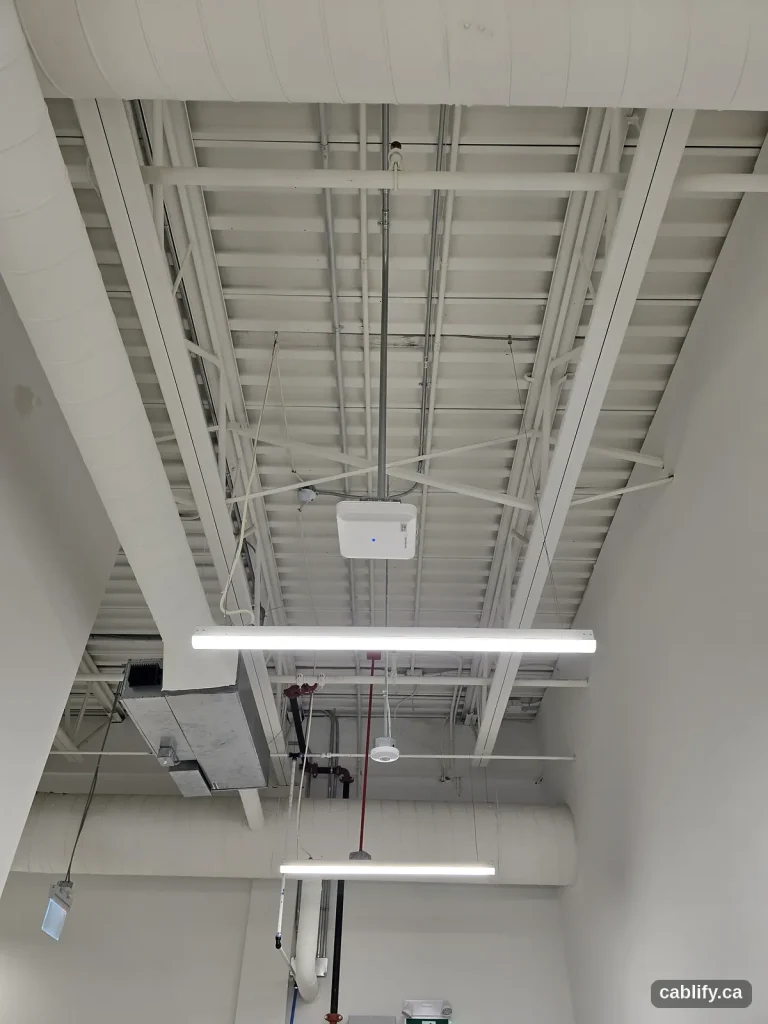
- Access points hidden above the ceiling tiles. Tiles, ductwork and steel framing absorb the signal before it reaches the room.
- Shared or spliced cable. An access point on an old run spliced in the ceiling, or fed from a small switch under a desk, will never deliver what the box promises.
- Channels set too wide. 160 MHz looks fast on a spec sheet. In a building with neighbours on every floor, wide channels overlap and slow everyone down.
- Everything on one network. Staff laptops, guests, printers and cameras on the same network and VLAN. That is a security problem as much as a speed problem.
Our articles on why office Wi-Fi is slow and access point placement go into more detail.
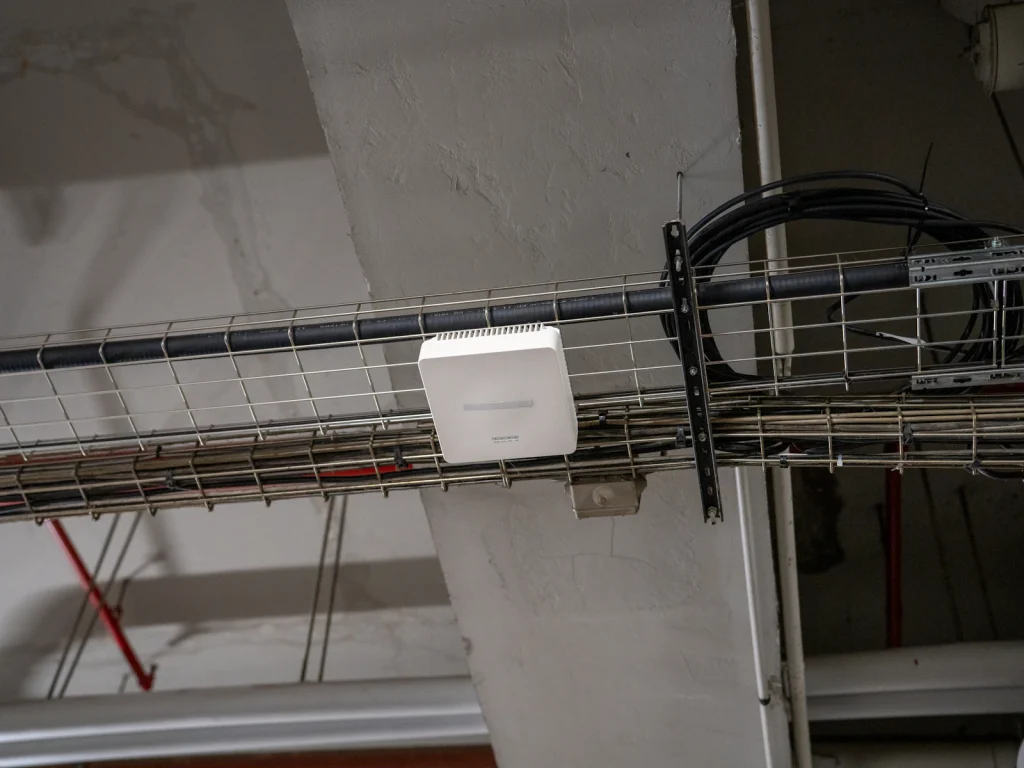
Upgrading to Wi-Fi 7
Wi-Fi 7 (802.11be) access points are now the normal choice for a new install. Whether an upgrade pays off for you depends less on the access points than on your devices, your switches and the cable in the ceiling.
What Wi-Fi 7 changes
- The 6 GHz band. Wi-Fi 6E opened it and Wi-Fi 7 makes full use of it. It is quiet, with no older devices slowing it down, but only phones and laptops with 6E or 7 radios can use it
- 320 MHz channels in 6 GHz. Twice as wide as Wi-Fi 6. Useful in a small office with one or two access points. In a larger building we usually plan 80 or 160 MHz so neighbouring access points do not fight each other
- Multi-Link Operation. A device can use two bands at once, which helps latency and busy rooms. It needs support in both the access point firmware and the device
- 4K-QAM. Packs more data into each transmission when a device is close to the access point. It raises speed at short range. It does not add range
What it needs from your building
| What to check | What Wi-Fi 7 needs | What we usually find |
|---|---|---|
| Switch ports | 2.5 GbE multi-gig ports for each access point. Some models have 10 GbE uplinks | 1 GbE switches from the Wi-Fi 5 or early Wi-Fi 6 install |
| Power (PoE) | PoE+ (802.3at) on every access point port. A UniFi U7 Pro draws up to 21 W | Older switches without enough total PoE once every port is loaded |
| Cable to each access point | Cat5e carries 2.5 Gbps and Cat6 carries 5 Gbps to 100 m. Cat6A is needed for 10 Gbps | Old runs that are fine if they test clean, and some that are spliced or too long |
| Your devices | A 6E or Wi-Fi 7 radio to use the 6 GHz band | A mix. Recent flagship phones usually have one. Older laptops, budget phones and most handheld scanners do not |
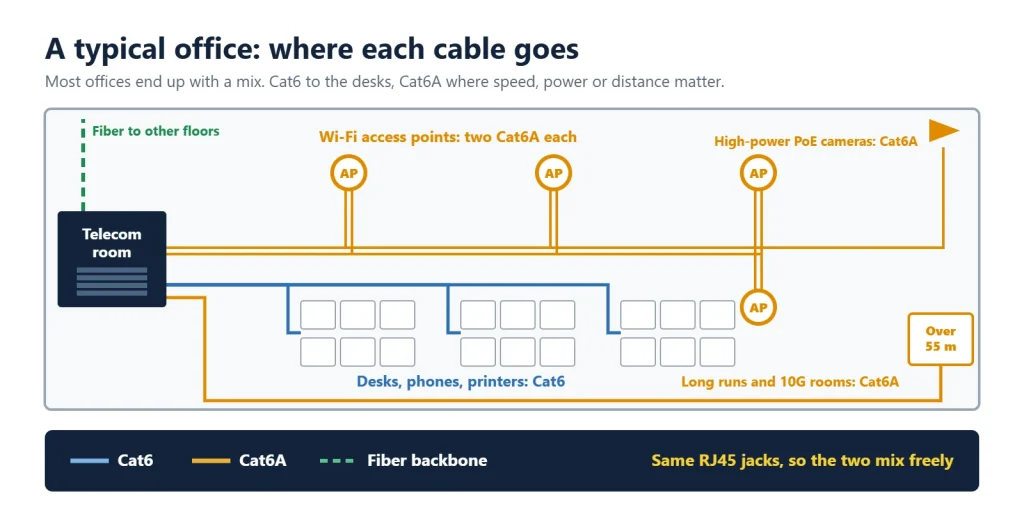
The background is in our guides to multi-gig Ethernet, Cat6 vs Cat6A and UniFi access point power. The PoE power calculator will tell you whether your current switch can carry the new access points.
When it is worth it, and when it is not
Upgrade when your access points are Wi-Fi 5 or older, when meeting rooms and open areas are crowded, or when you are already replacing switches or re-cabling. Hold off if your Wi-Fi 6 access points are a few years old and the complaints are about coverage. More access points in the right places, or moving the ones you have, will fix that for less money.
Also keep the internet connection in mind. If your office has a 300 Mbps line, faster Wi-Fi will not make the internet faster. It will speed up file transfers, local backups and anything that stays inside the building.
6 GHz rules in Canada
Innovation, Science and Economic Development Canada opened the full 5925 to 7125 MHz band to licence-exempt Wi-Fi in 2021. Indoor access points use all of it at low power with no extra setup. Standard power, which allows much stronger signals and outdoor use, is limited to 5925 to 6875 MHz, has to be controlled by an automated frequency coordination (AFC) system, and only works on equipment certified for it under ISED’s RSS-248 standard. In practice, indoor business installs run 6 GHz at low indoor power, and outdoor access points stay on 2.4 and 5 GHz unless the model is certified for standard power.
Warehouse and industrial Wi-Fi
Warehouses break the rules that work in offices. Steel racking and stock block the signal, the building changes every time inventory moves, and the devices that matter most are handheld scanners and vehicle tablets with small radios, moving quickly between aisles.
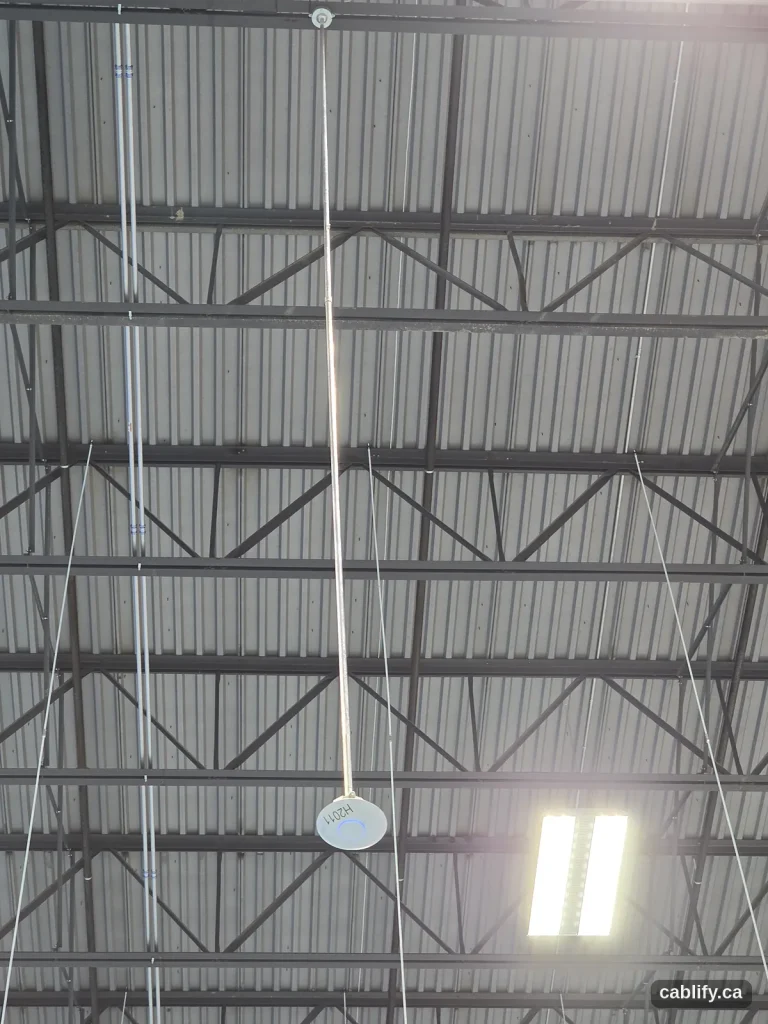
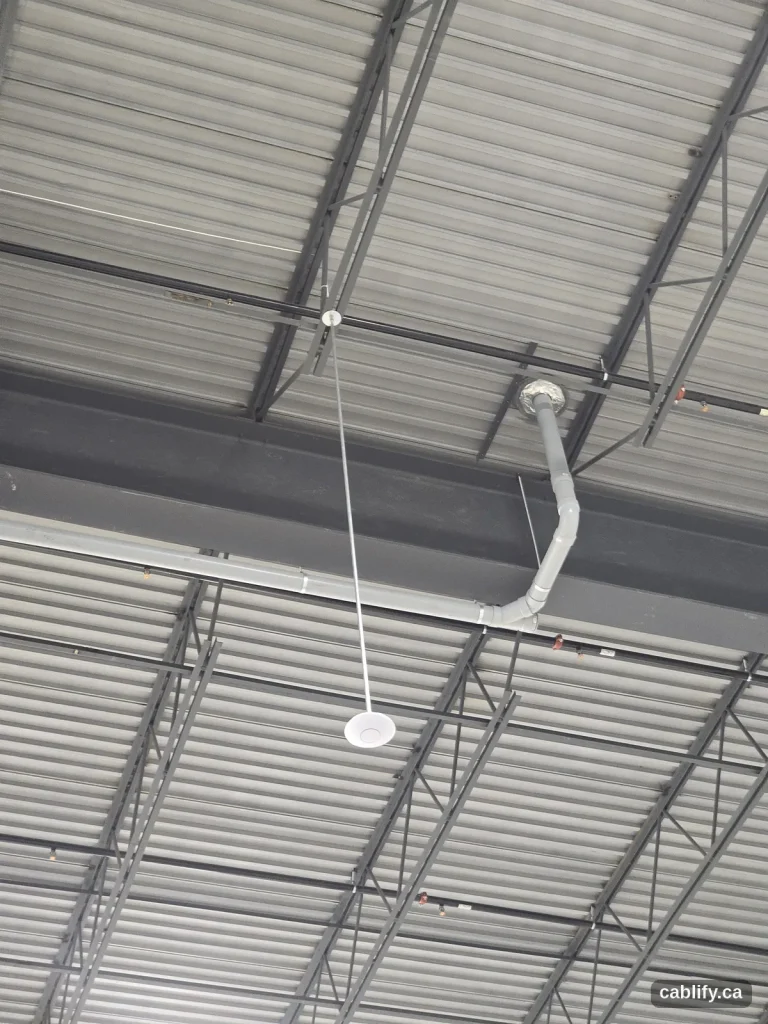
We put access points over the aisles rather than over the racks, plan coverage at the height a scanner is held, and set up roaming so a scanner moves from one access point to the next without losing its session. High-bay ceilings mean lift work, so we plan it around your shifts and traffic.
Our guide to ending warehouse Wi-Fi dead zones and dropped roams covers the design rules in detail, with a calculator that checks whether your scanners will roam in time. Where coverage has to be proven, see Wi-Fi surveys for warehouses and manufacturing and Wi-Fi heatmapping. Plants with harsh conditions often need industrial wireless hardware.

Equipment we install
The right system is the one your team can actually manage. A business with no IT staff is usually better off with one cloud dashboard than with an enterprise controller nobody logs into.
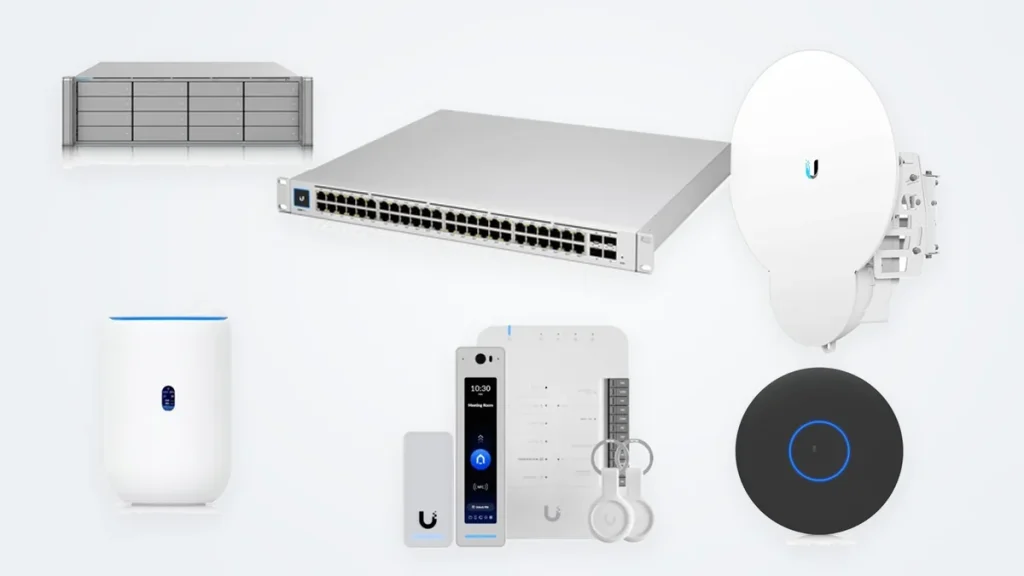
- Ubiquiti UniFi. We are an authorized Ubiquiti reseller and install the U7 Wi-Fi 7 range. Strong value, and no licence fee per access point
- Cisco Meraki and Catalyst. Meraki for multi-site businesses that want everything in one cloud dashboard, Catalyst for larger networks with their own team. See our Cisco services
- HPE Aruba. Instant On for small offices, and Aruba access points with a controller for larger sites
- Fortinet FortiAP. Managed from the FortiGate firewall you may already have. We are an authorized Fortinet reseller
- Ruckus, TP-Link Omada and others. On request, and we work on existing systems from most business brands
Meraki and some other platforms charge a licence for every access point, every year. We list it in the quote so the price you compare is the real one.
Wi-Fi installation across the GTA
We install business Wi-Fi across Toronto, Peel, York, Halton, Simcoe County, Hamilton and Kitchener-Waterloo. The buildings change a lot from one city to the next, and so does the work.
Toronto, Etobicoke and North York
Downtown and midtown work is mostly in leased office floors, where the landlord sets the rules: approved contractors, ceiling access only after hours, and sometimes a base-building network you have to stay clear of. In converted brick-and-beam buildings around King West and Liberty Village there is often no drop ceiling at all, so the access points go on the deck or a beam and the cable runs in conduit or tray that everyone can see, which means it has to look tidy. In Etobicoke a lot of the work is in the industrial and flex buildings off Highway 427 and The Queensway, where an office and a warehouse share one network. See network cabling in Toronto.
Mississauga
Mississauga mixes large single-floor offices in the Airport Corporate Centre and Meadowvale with distribution centres around Pearson. The offices tend to be wide open plans with a hundred or more people on one floor. That is a capacity problem more than a coverage problem: more access points at lower power, on narrower channels, beat a few loud ones. Our planning number is 25 to 35 active users per access point. See network cabling in Mississauga.
Vaughan
Vaughan is warehouses and new towers. The industrial blocks in Concord and along Highways 7, 400 and 407 need the same rack-aware design as any distribution centre, often in buildings where the racking layout changed after the Wi-Fi went in. The new office and mixed-use buildings around the Vaughan Metropolitan Centre are the opposite case: concrete, glass and a clean slate, where we can put two cables to every access point position before the ceiling closes. See network cabling in Vaughan.
Markham and Richmond Hill
Both cities have a lot of technology and professional offices, from the business parks along Highway 7 and the 404 to the Beaver Creek area in Richmond Hill. These offices fill their meeting rooms with laptops at the same time every morning, so we design the meeting rooms first and the open areas second. Richmond Hill also has many medical and dental clinics along Yonge Street, where the practice software and the patient guest network have to be kept apart. See network cabling in Markham and Richmond Hill.
Oakville and Milton
In Oakville the work is mainly offices and professional suites along the QEW and Trafalgar Road, plus restaurants and shops downtown and in Kerr Village that want the patio covered in summer. Milton is distribution: large, newer buildings along the 401 with high ceilings, where the access points go up on a lift and the layout has to suit the racking. See network cabling in Oakville and Milton and Halton.
Barrie and Simcoe County
Barrie jobs are in the light industrial and flex units along the Highway 400 corridor and the south end around Bryne Drive and Huronia Road, offices along Bayfield Street, and older buildings downtown near Dunlop Street. Thick brick walls downtown cut the signal between rooms, so those buildings need more access points than the floor area suggests. We also cover Innisfil and New Tecumseth. See network cabling in Barrie.
Brampton, Hamilton and Kitchener-Waterloo
Brampton is mostly warehouses, truck terminals and industrial units, where the Wi-Fi has to reach the dock doors and the yard office. We also work in Hamilton and Burlington and across Kitchener, Waterloo and Cambridge. See data cabling in Brampton, Hamilton and Burlington, Kitchener-Waterloo, or the full list of areas we serve.
What affects the price
A Wi-Fi quote depends less on the number of access points than on what it takes to get cable and power to each one. These are the things that move the number:
- How far each access point is from the network closet, and whether there is a ceiling to work above
- Ceiling height. Anything a ladder cannot reach safely needs a lift
- Whether your switches have multi-gig ports and enough PoE, or need replacing
- The access point model, and any yearly licences that come with it
- Outdoor or warehouse-rated hardware
- After-hours or weekend work required by your landlord
The site visit and quote are free, and the quote lists each item so you can see where the money goes. For a first estimate of how many access points you need, use our access point count guide. Large or difficult sites, such as warehouses, clinics and buildings with thick walls, get a measured wireless site survey before we price them.
Related guides
Wi-Fi installation questions
How many access points do I need?
For a normal office, plan on one access point for every 1,500 to 2,500 sq ft, then check the count against people. Each access point comfortably serves about 25 to 35 active users. Meeting rooms, glass walls, thick brick and warehouse racking all push the number up, which is why we confirm it on site before quoting.
Is Wi-Fi 7 worth installing now?
For a new install or a replacement of Wi-Fi 5 access points, yes. The price gap to Wi-Fi 6 is small and the access points will last longer. If you have Wi-Fi 6 access points that are only a few years old, fix coverage first. The bigger gain usually comes from better placement and more access points, not a newer standard.
Can you reuse our existing network cable?
Often. A run that tests clean to its category can carry 2.5 Gbps on Cat5e and 5 Gbps on Cat6, up to 100 m, which is enough for most Wi-Fi 7 access points. We replace runs that fail the test, are spliced in the ceiling, or are too long.
Do access points need a power outlet?
No. Business access points are powered through the network cable (PoE) from the switch in your network closet. Wi-Fi 7 models need PoE+, so an older switch may need replacing or an injector for each access point.
Can you fix or add to the Wi-Fi we already have?
Yes. We work on UniFi, Meraki, Aruba, Cisco, Fortinet and most other business systems. Often the fix is moving a few access points, adding one or two, and changing the channel and power settings, rather than replacing the system.
Can we buy UniFi from you and have our IT team install it?
Yes. As an authorized Ubiquiti reseller we sell UniFi supply-only, or supplied and installed. A common split is that we run and test the cable and mount the access points, and your IT team does the configuration.
Can 6 GHz Wi-Fi be used outdoors in Canada?
Only on standard-power equipment certified to work with an automated frequency coordination system, and only from 5925 to 6875 MHz. Most outdoor business access points use 2.4 and 5 GHz, which covers patios, yards and loading areas well.
Get a Wi-Fi installation quote
Send a floor plan, a few photos of the ceiling, or just tell us the size of the space and what is going wrong. We will come back with a plan and a price.
Prefer to talk? Call 647-846-1925 or email info@cablify.ca.