
Buy and install Ubiquiti UniFi in Toronto and the GTA
Cablify supplies the UniFi range and installs it: access points, switches, gateways, Protect cameras, Access door control and point-to-point links. Buy the hardware on its own, or have our technicians cable it, mount it and set it up. We cover Toronto, the GTA, Barrie and Kitchener-Waterloo.
Supply only, or supplied and installed
Both. If you have an IT team that will set the gear up, we quote the hardware on its own. If you want a working system, we size the equipment from your floor plan, run and test the cable, mount everything and configure it in UniFi before we hand it over.
Buying from an installer matters most before the order is placed. A web store will sell you any access point. It will not tell you that a 30 ft warehouse ceiling needs a different model and mount than an office, that your camera count has outgrown the switch’s PoE budget, or that the door hub you picked will not drive the lock already on the door. We check those things first, so the order is right the first time.
UniFi product lines we supply and install
Pick a line to see what we stock and install, and the guides that go deeper.
Wi-Fi access points
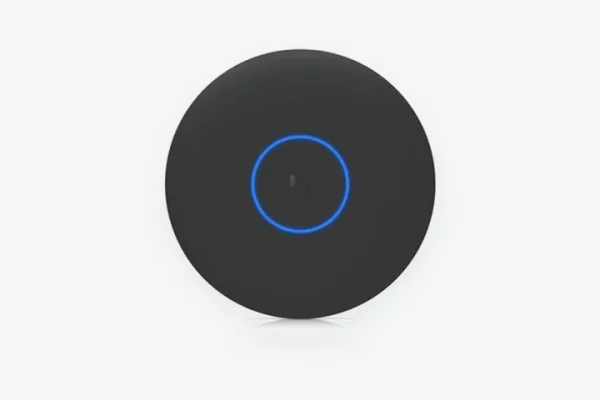
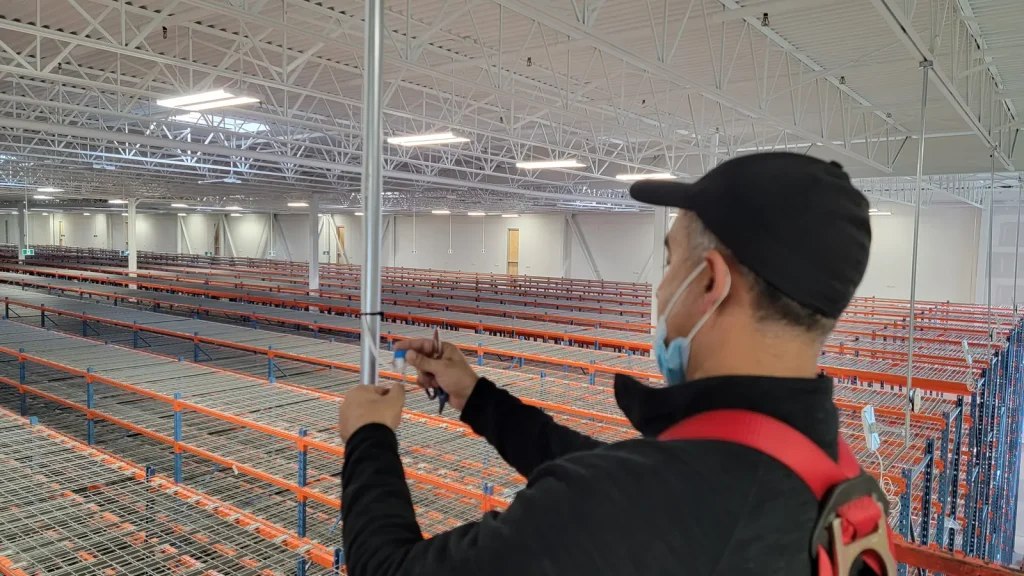
Wi-Fi 6 and Wi-Fi 7 access points for offices, warehouses and outdoor yards. We place them from a survey or a coverage plan, not by guessing from the floor plan.
Common models: U7 Pro, U7 Pro Max, U6 Pro, U6 Long-Range, U7 Outdoor
Switches and PoE
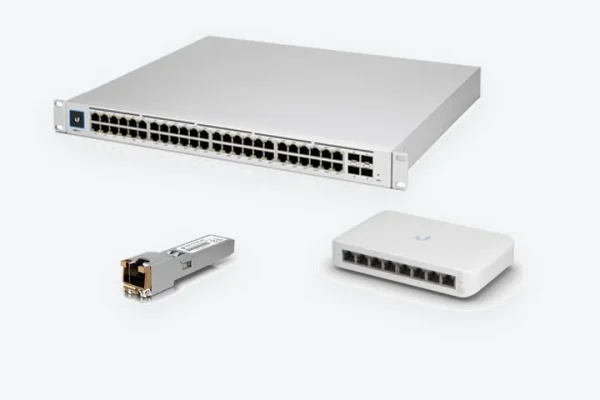
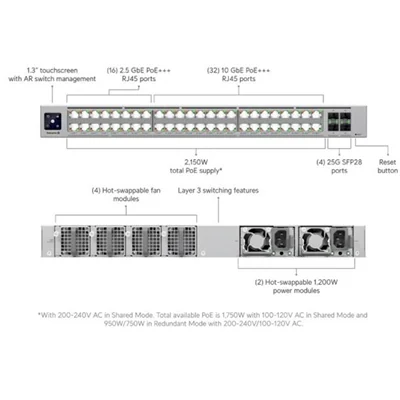
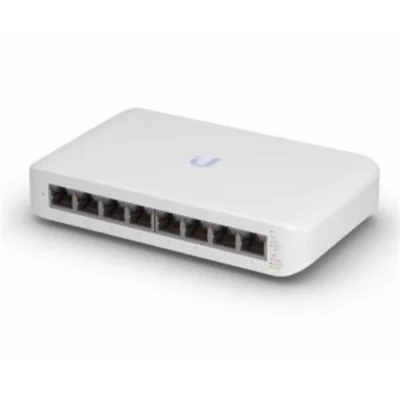
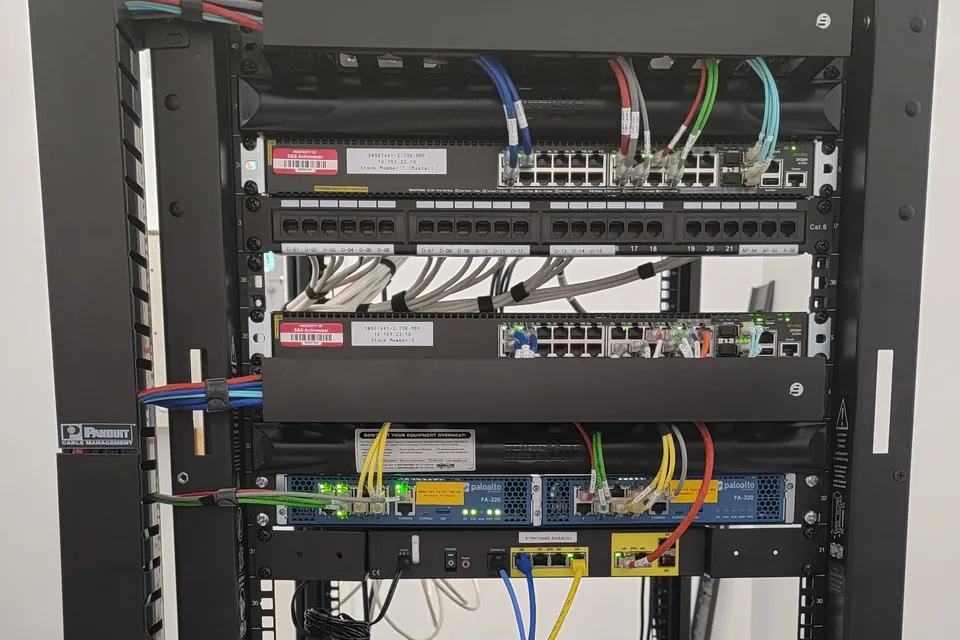
PoE switches that power access points, cameras, phones and door hardware over the same cable. We size the PoE budget for the whole system with headroom to grow.
Common models: USW Pro Max PoE, USW-24-PoE, USW-48-PoE, USW Enterprise, Flex Mini
Gateways and consoles
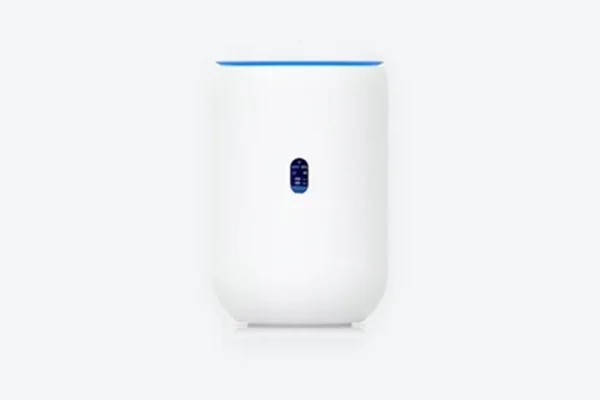
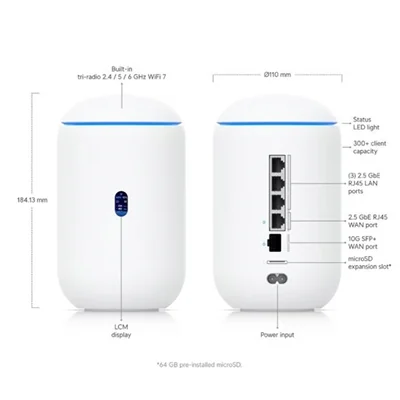
The gateway routes and protects the network and runs the UniFi apps for Wi-Fi, cameras and doors. We set up VLANs so cameras, guests and staff stay apart.
Common models: Cloud Gateway Ultra, Cloud Gateway Max, Dream Machine Pro, Dream Machine SE
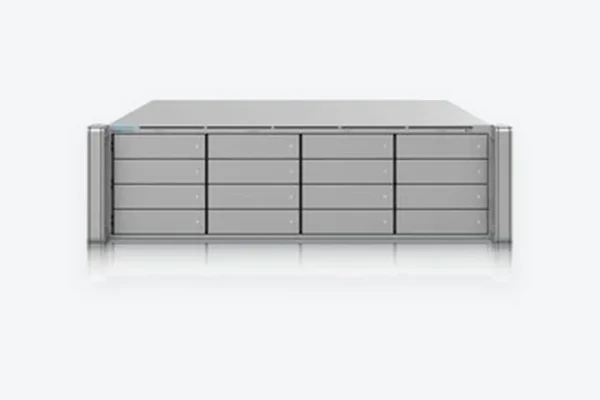
Protect cameras and NVRs
UniFi Protect cameras record to a UniFi NVR or console with no per-camera licence fees. We plan camera positions for what each one has to identify, not just what it can see.
Common models: G5 and G6 lines, AI Pro, AI LPR, UNVR, UNVR Pro
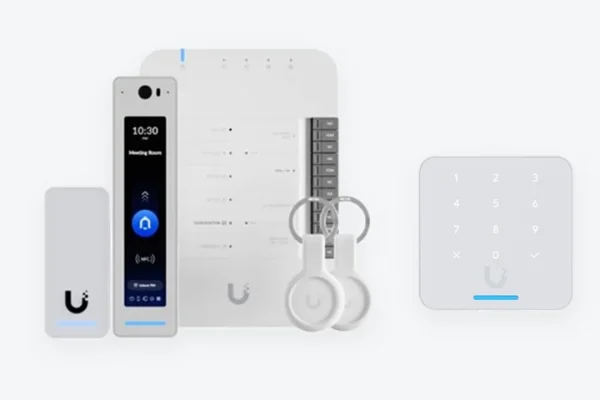
Access door control
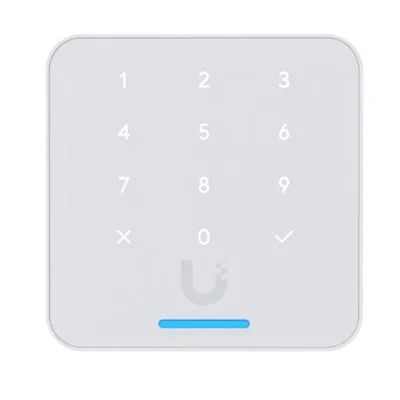
Readers, door hubs, intercoms and mobile credentials. We match the hub to the locks you have, wire the doors and set up schedules and user groups.
Common models: Access Reader Pro, G3 Reader Flex, Door Hub, Enterprise Access Hub, Intercom
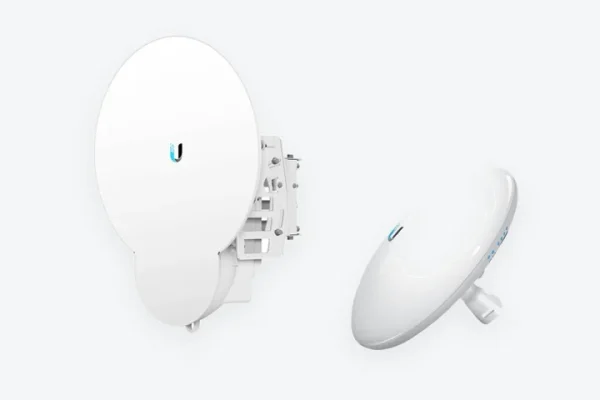
Point-to-point wireless
Radio links between buildings across a parking lot, yard or campus, where trenching for fiber costs too much or takes too long. We check line of sight before we quote.
Common models: airFiber 60, Wave, airMAX
UniFi hardware we supply
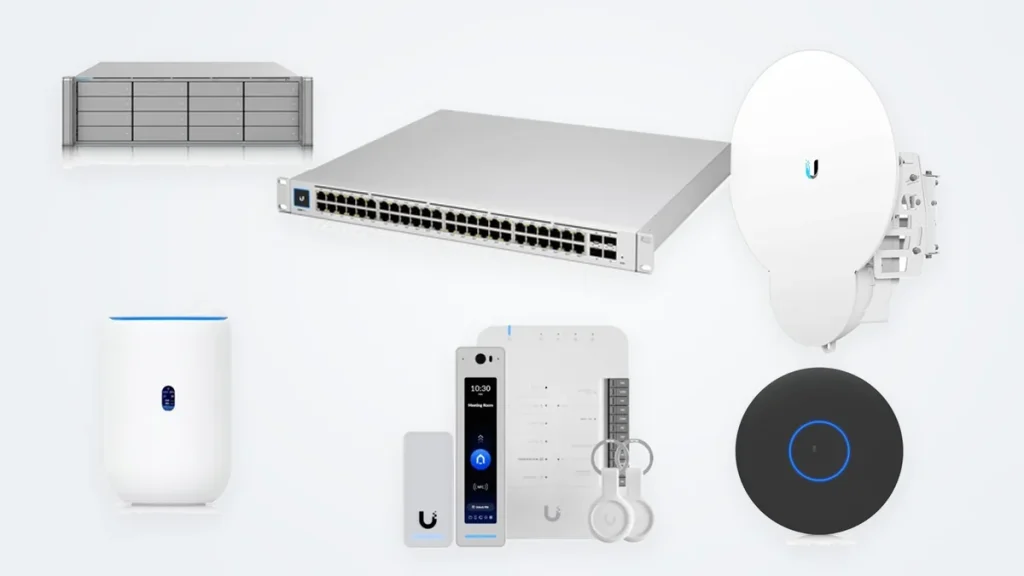
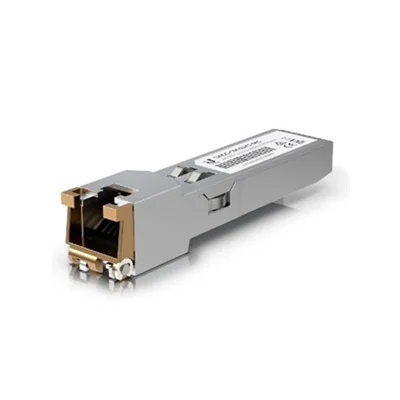
A sample of the range. We can source the current UniFi and UISP range, so send us any part number for a price and lead time.

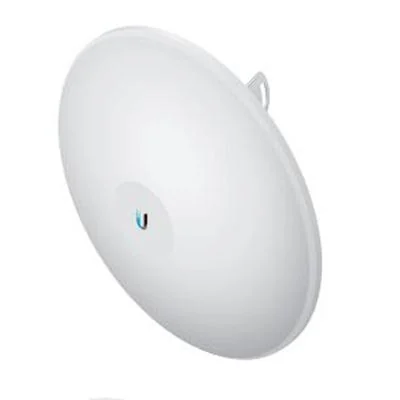
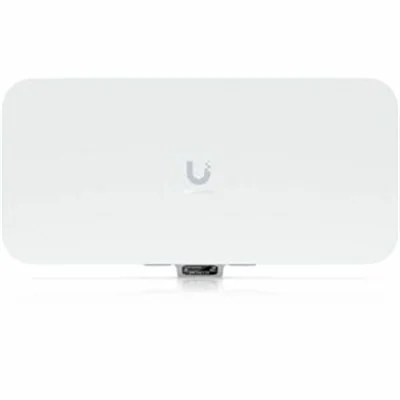
Supply only vs supply and install
| Supply only | Supply and install | |
|---|---|---|
| Equipment list | You send the list, or we check it against your plan | We size it from the floor plan or a site visit |
| Cabling | Yours to arrange | Cat6 or Cat6A runs, each one Fluke tested and labelled |
| Mounting | Yours to arrange | Ceilings, walls, racking, poles and outdoor mounts |
| UniFi setup | Your IT team | Adoption, firmware, SSIDs, VLANs, camera and door settings |
| Handover | Hardware delivered | Working system, test results, port and device map |
| Best for | Businesses with in-house IT | New offices, warehouses, upgrades and multi-site rollouts |
UniFi prices and stock change often, so we quote current pricing and lead times when you ask. Larger and multi-site orders are priced by project.
What goes into a UniFi install
The hardware is the easy part. Most UniFi problems come from what gets skipped around it.
- Coverage first. Access point count and placement come from a survey or a predictive plan. In warehouses we account for racking, ceiling height and what is stored on the shelves.
- Cable that passes. Every run is Fluke tested before a device is plugged in, so a bad termination never shows up later as “slow Wi-Fi”.
- Power budget checked. We add up what every access point, camera and door device draws and size the switches to match.
- Clean configuration. Separate networks for staff, guests and cameras, current firmware and names that tell you where each device is.
- Your account, your system. We can set up the UniFi site under your organization’s account and give you a port and device map at handover.
Where UniFi fits, and where it does not
We sell and install other brands too, so we will tell you when UniFi is the wrong choice.
A good fit
- Offices, retail, clinics and warehouses that want one console for Wi-Fi, switching, cameras and doors
- Owners who want to avoid recurring licence fees for the core apps
- Multi-site businesses that want to manage every location from one login
- Teams with a managed IT provider who already knows UniFi
Worth a second look
- Sites with a mix of existing Axis, Hikvision or Dahua cameras you want to keep. A third-party recording platform may suit better, and we install those as well.
- Companies whose IT standard is already Cisco or Aruba. Mixing platforms adds work for whoever manages it.
- Doors that need integration with an existing building access system.
UniFi and networking guides
Our guides on planning, powering and securing these systems.
Switching and PoE
Cameras and doors
Links between buildings
Ubiquiti installation across the GTA, Barrie and Kitchener
Our own crews install UniFi across Toronto and the GTA, north to Barrie and west to Kitchener-Waterloo and Cambridge. The person mounting your access points works for Cablify, not a subcontractor.
Questions about buying UniFi from Cablify
Is Cablify an authorized Ubiquiti reseller?
Yes. We are an authorized Ubiquiti reseller in Canada. The hardware we supply is genuine and carries the manufacturer’s warranty.
Can I buy UniFi equipment without installation?
Yes. Businesses with their own IT team can buy supply-only. Send us the list and we will quote it, and check it against your plan if you like.
Do you install Ubiquiti in Barrie and Kitchener?
Yes. Our own technicians install UniFi in Barrie, Kitchener, Waterloo and Cambridge as well as across Toronto and the GTA.
Do UniFi products have licence fees?
The core UniFi apps for network, Protect cameras and Access doors run on your own console without per-device licence fees. Some optional cloud services are paid, and we will point those out when we quote.
Can you fix or expand a UniFi network someone else installed?
Yes. We can take over an existing UniFi site, tidy the configuration, replace failing cable and add access points, cameras or doors.
Can cameras and door access run on the same network as our Wi-Fi?
Yes, on the same switches and console. We put cameras and door hardware on their own VLANs and size the PoE switches for everything they power.
Get a UniFi quote
Tell us what you need: a hardware list to price, or the building and what you want working. Include the address and timing. Prefer to talk? Call 1-647-846-1925.