

Decide who can open each door, and when
A staff entrance that needs to stay locked. A cleaner who arrives after closing. A former employee whose key is still out there. These are practical reasons to consider electronic access control.
Cablify installs access control systems for businesses in Toronto, Mississauga and the surrounding GTA. We can discuss a new installation or review what is involved in updating your existing doors, readers and cabling.
Start with the doors you want to control and how people use them. That gives us a better starting point than choosing a reader from a catalogue.
Start with the door, not just the reader
The reader is the visible part of the system. Behind it are the lock, controller, power supply, wiring and the settings that determine who gets in. They need to work together with the door hardware already in place.
For an office entrance, the first question might be whether visitors need to call reception. For a warehouse, it could be how different shifts enter without leaving a side door open. A server room may need a much smaller access list than the rest of the building.
Door condition matters too. A door that does not close and latch reliably needs attention as part of the project. Adding a reader does not fix a misaligned frame or worn closer.
Choosing how people get in
The right choice depends on who uses the building and who will manage the system. Features vary by product, so include the ones you need in the quote.
Cards and key fobs
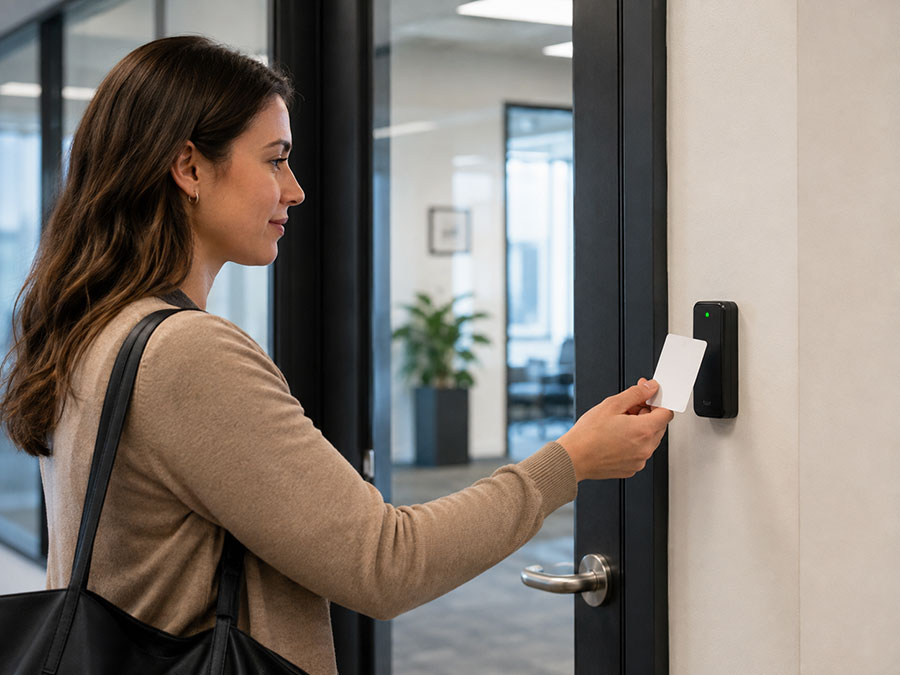
Individual cards or fobs are useful when staff need different access permissions. With a compatible managed system, an administrator can revoke a lost credential. Reader compatibility and credential security matter; cards that look similar are not necessarily interchangeable.
Keypads and PINs
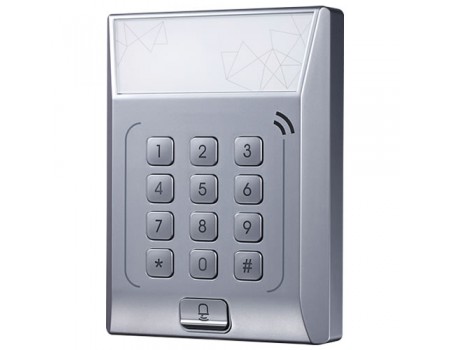
A keypad removes the need to carry a card. Shared codes can be passed around, however. If you need to identify individual users or change one person’s access, ask about individual PINs and how the system manages them.
Mobile credentials
Some systems let people use a phone as their credential. Before choosing this option, check supported phones, user enrolment, any recurring fees and the alternative for someone without a working phone.
Biometric readers
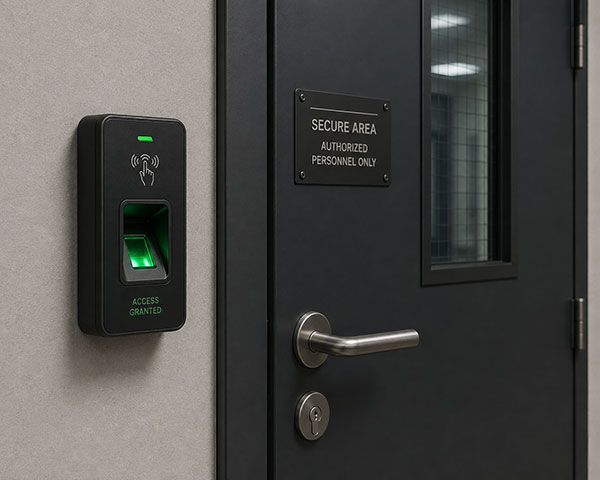
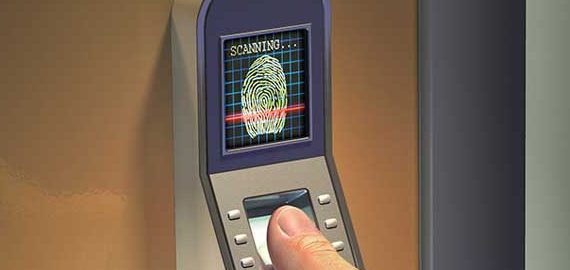
A fingerprint reader may suit a specific access requirement, but it is not automatically the best choice for every door. Consider how users enrol, where biometric data is stored and how someone enters if the reader cannot recognise them.
Already have access control?
Send the make and model of your existing system, along with what you want to change. You might need to add a door, replace an unreliable reader or make staff access easier to manage.
Existing cards, controllers, locks and wiring may be reusable, but that needs to be checked before quoting. Keep details of the current software, administrator access and any service agreement available for the review. Compatibility should be confirmed before new equipment is ordered.
If the project also includes security cameras or network cabling, mention that at the start so the routes and equipment locations can be considered together. Linking systems in software depends on the products selected.
A few things to settle before installation
What happens during a power failure?
It depends on the locking hardware and power arrangement. Some electric locks unlock when power is removed; others remain locked from the entry side. That is a separate question from how people exit. The design needs to account for emergency exit arrangements, applicable requirements and any backup power.
Will it keep working if the internet goes down?
Ask how the proposed system handles an internet outage. Door operation, remote management and access to records may behave differently. Confirm which functions remain available offline before choosing a system.
Are there monthly charges?
There can be software subscriptions, mobile-credential charges or support fees, depending on the system. Ask for the installation price and any ongoing charges to be listed separately.
Who looks after access once it is installed?
Choose the person who will add staff, remove former users and change schedules. Include administrator handover and the required training in the scope, along with warranty terms and the support contact.
Tell us which doors you want to control
Send your site address, door count and a few photos. If you already have a system, include its make and model. Cablify can discuss the next step and arrange a free estimate for your access control project.
Get a free estimate Call 647-846-1925
Email info@cablify.ca • Toronto, Mississauga and the GTA